Checkbox
A control that allows users to toggle between checked and unchecked states.
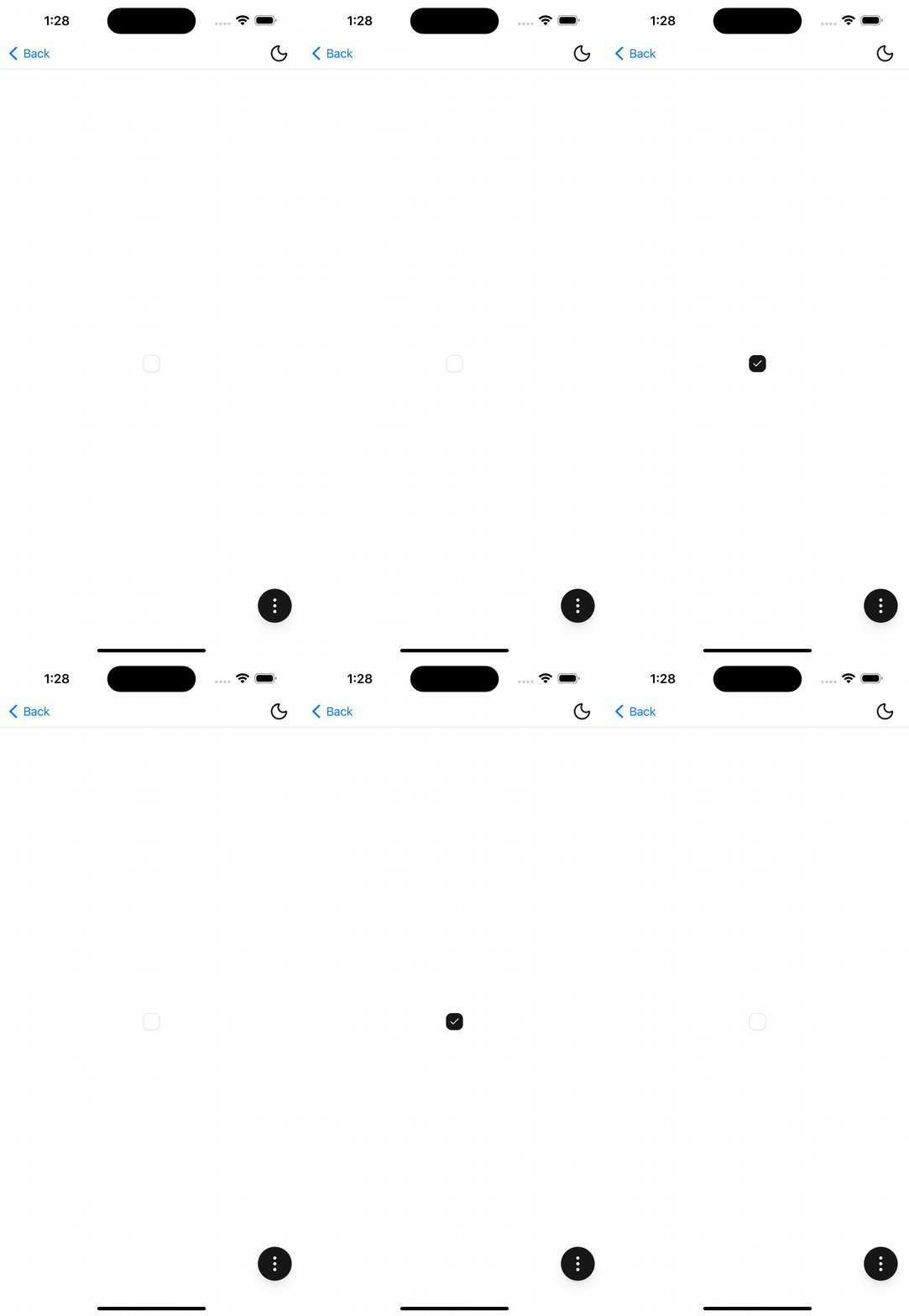
Installation
npx shadcn@latest add @tetra-ui/checkboxUsage
import { Checkbox } from "@/components/ui/checkbox";<Checkbox checked />Controlled
Manage checked state externally and wire up a pressable wrapper to toggle:
const [checked, setChecked] = useState(false);

<Pressable onPress={() => setChecked((prev) => !prev)}>
  <Checkbox checked={checked} />
</Pressable>
With label
Use CheckboxInput to render a checkbox with an inline label:
import { CheckboxInput } from "@/components/ui/checkbox";

<Pressable onPress={() => setChecked((prev) => !prev)}>
  <CheckboxInput checked={checked}>
    Accept terms and conditions
  </CheckboxInput>
</Pressable>
Invalid state
Pass invalid to show a destructive border, typically when paired with form validation:
<Checkbox checked={checked} invalid />API Reference
Checkbox
Extends React Native View props (children omitted). Visual-only — wrap in a Pressable (or use CheckboxInput / Choicebox) to handle toggling.
Prop
Type
CheckboxInput
Extends InputGroup. Renders a labeled checkbox row.
Prop
Type
Changelog
2026-09-11 - Migrate to InputGroup
- Migrate
InputPressabletoInputGroupand change press behavior.